
Automation and AI
Talk to the AI Copilot
Ask as you would ask a media buyer. The Copilot reads the open account, explains the numbers, suggests and only makes a change after your click.
Quick answer
On any screen, click the Copilot button in the corner and type the question. It already knows the open account and period. When you ask for a change, it shows a card with what it will do and only acts after you click. The AI Copilot page holds the account profile, decision history and conversations.
Watch the walkthrough 0:23
Before you start
- Each message uses AI credits: a short question or action, 1 credit; an analysis, from 10. The limit renews every day.
- The Copilot acts on Meta and Google: pause, activate, budget, duplicate, create campaigns, audiences, rules and reports.
- Team members use the Copilot if the owner allows it, spending the owner credits.
Step by step
In this example, we ask what to scale and what to cut in a restaurant account.
- 1
Open the Copilot
With the account open in Meta Ads, click the Copilot button in the corner of the screen. The panel opens on the side, already with the account and period on screen.
- 2
Ask your question
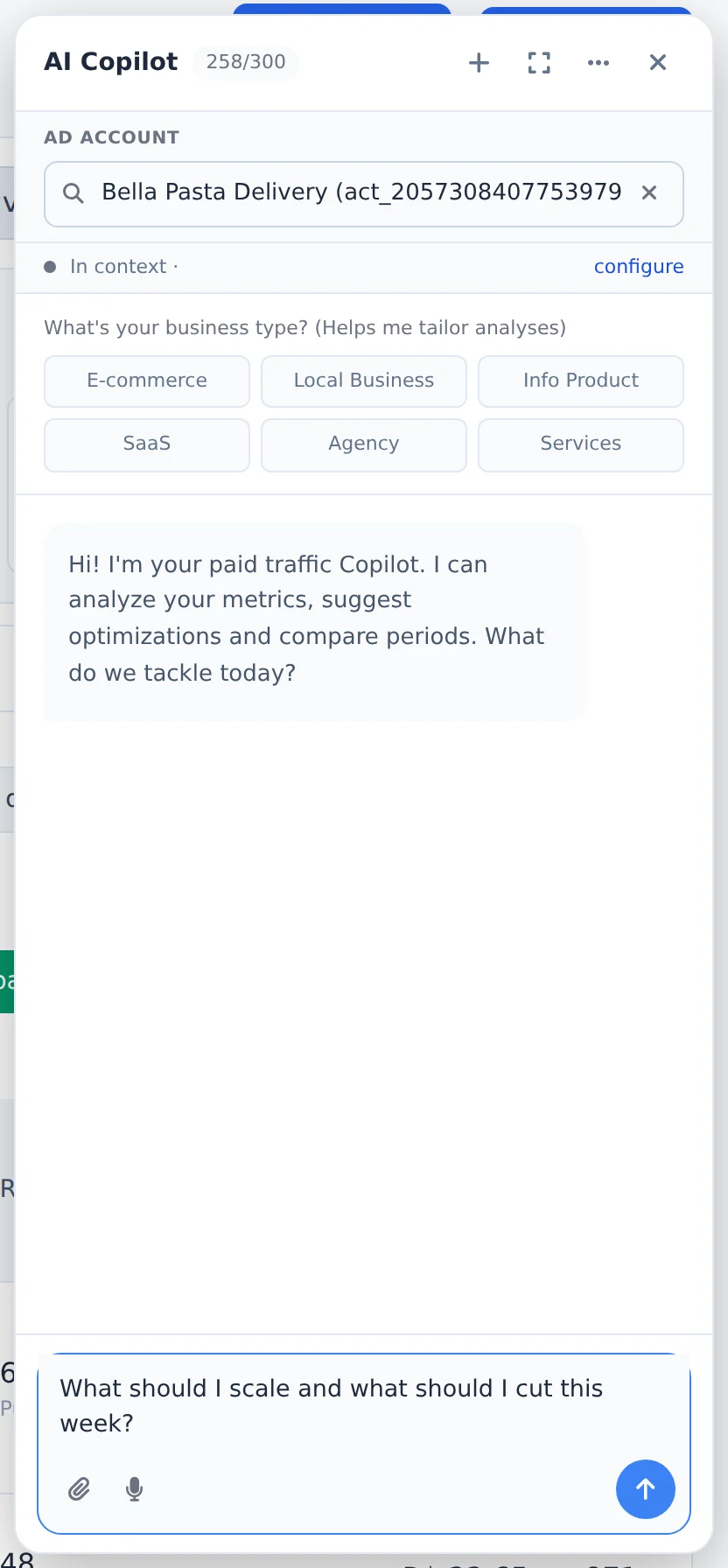
Write it your way, as you would to a media buyer: "what should I scale today?", "why did CPA get worse this week?", "pause the ads with CTR below 1%". Press Enter.
 1
1- 1The question
- 3
Read the suggestion
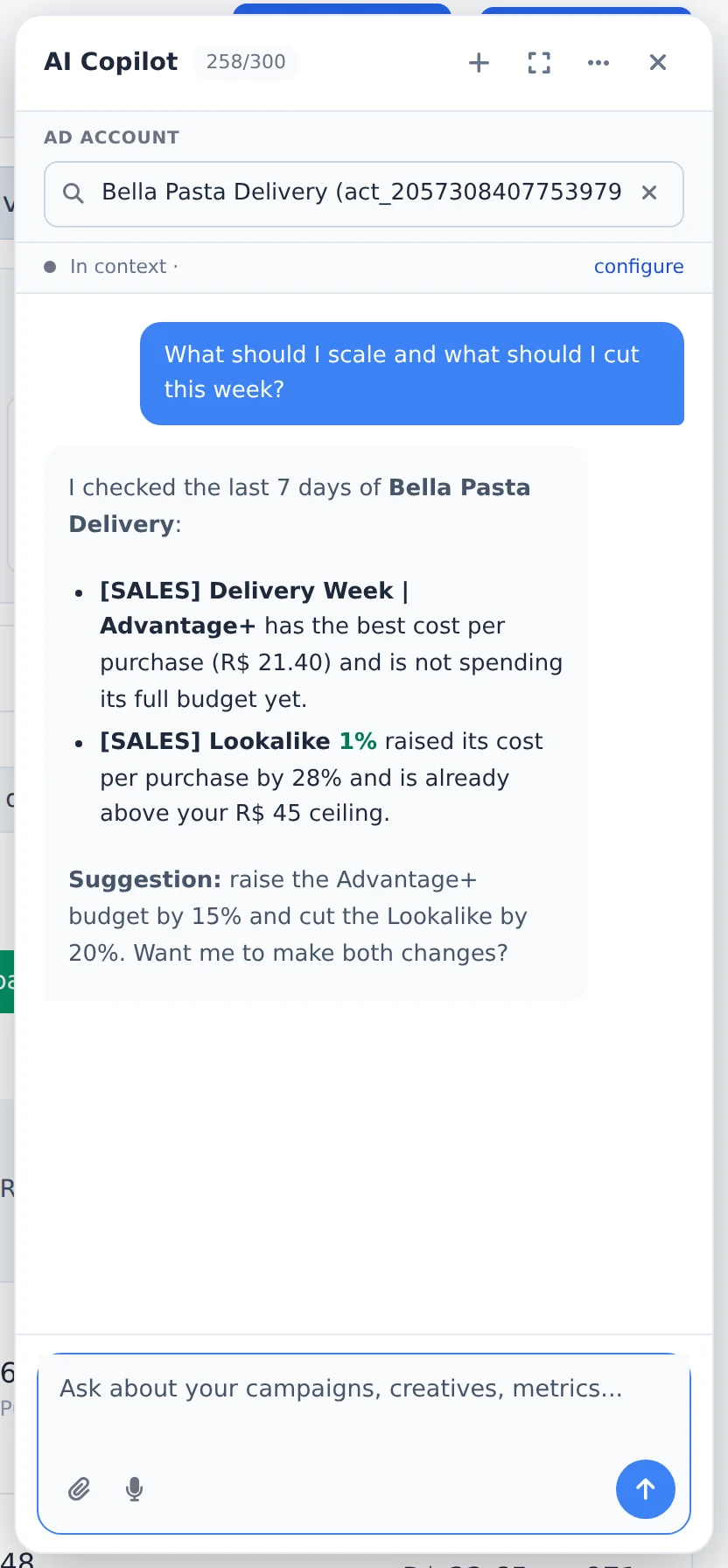
The answer uses the account numbers, with the reason for each suggestion. If you ask for a change, a card shows what will be done: it only acts after your click. Deleting always asks for confirmation.
 1
1- 1The answer
- 4
Fill in the account profile
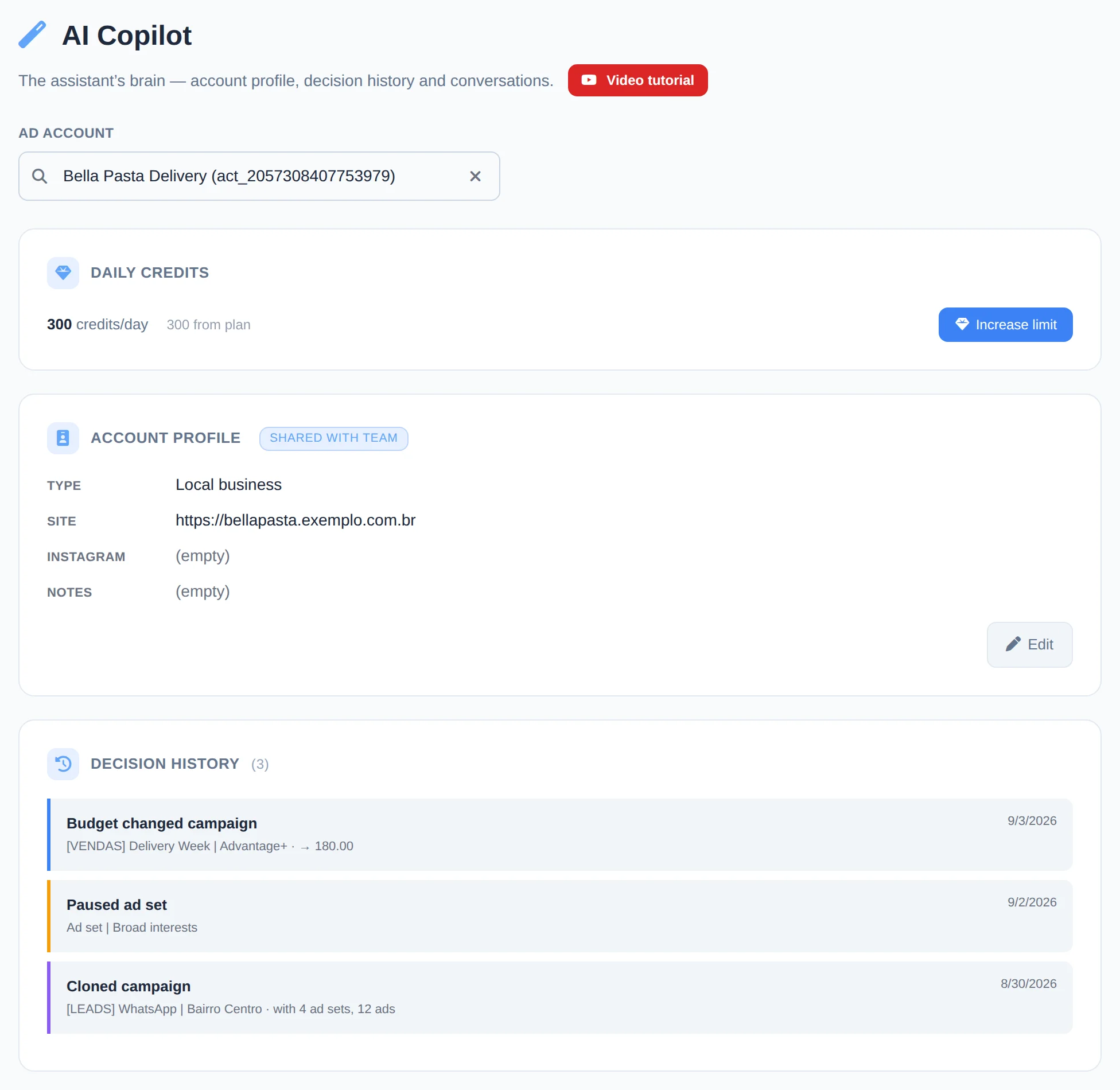
In the menu, AI Copilot shows the Daily credits (with Increase limit), the Account profile, where you note niche, website and remarks for sharper answers, and the Decision history of what was done.
 123
123- 1Daily credits
- 2Account profile
- 3Decision history
Pick up where you left off
Under Recent conversations, on the AI Copilot page, click a conversation to continue. New conversation starts from scratch.
How to tell it worked
- The answer arrives in the panel in a few seconds.
- After you confirm an action, it shows up in the account Decision history.
If something goes wrong
| Symptom | Likely cause | What to do |
|---|---|---|
| A credits used up notice appears | The daily credit limit ran out | Wait until the next day, or click Increase limit on the AI Copilot page |
| The Copilot talks about another account | The conversation started with another account open | Open the right account and start a New conversation |
| The Copilot button does not show up | The plan does not include the Copilot or the owner did not allow it for the member | Check the plan in My Subscription or ask the owner to allow it |
Frequently asked questions
What is AI Copilot and what does it do?
AI Copilot is an artificial intelligence assistant inside Ads Editor that works like an experienced traffic manager at your side. You chat with it and ask for whatever you need: analyze an account's performance, understand why cost per result went up, suggest what to scale or pause, create audiences, build reports, recommend optimizations and explain the numbers in plain language. It learns from the account's own history, so its answers reflect your context rather than generic rules. Besides answering, Copilot can take actions for you (such as pausing, activating, duplicating or adjusting the budget), always showing what it is about to do and asking for your confirmation first.
Where do I find AI Copilot and how do I talk to it?
AI Copilot is in the side menu, under the AI Copilot item, and also inside Meta Ads. In Meta Ads, the Analyze with AI button (in the Period Summary panel) and the floating chat button open a conversation that already has the context of the account and period you're viewing. On the AI Copilot page, choose the ad account in the search field at the top and click New conversation to start from scratch, or click one of the Recent conversations to pick up where you left off. Just write what you want, as you would with a manager, for example: list my active campaigns, what should I scale today, or why did my CPA get worse this week.
Does AI Copilot only answer questions, or can it take actions for me?
It can take actions. AI Copilot has the same functions as MCP, on Meta and Google: pause and activate, adjust budgets, duplicate (including to another account), create campaigns, ad sets, ads, and audiences, manage keywords, build reports, deactivate or reactivate a report link, create rules and alerts (including for Google Ads), and search for ads by copy, URL, ID, or creation date, among others.
It never changes anything on its own: when a request changes your account, it shows a card with what it will do and only runs it when you click the button. Deletion requires explicit confirmation: the card is labeled Delete (irreversible), and Copilot offers pausing as an alternative.
What does the AI Copilot page show (account profile, decision history)?
The AI Copilot page is the assistant's brain for each account. There you'll find the Account profile, where you can add context (niche, goal, audience, notes) that helps the AI give more accurate answers; the Decision history, a timeline of actions taken (pauses, activations, duplications, budget changes); and Recent conversations, to resume any earlier chat. The more complete the profile, the better the recommendations, because the Copilot learns what's normal and what's an outlier for that specific account.
How many credits does each AI Copilot message use?
- Short question or action (pause, activate, duplicate, adjust budget): 1 credit.
- Analysis request (why a metric dropped, CPA, ROAS, strategy, comparison, report, step-by-step): at least 10 credits.
- A very long conversation can cost more, because the cost scales with the length of the conversation.
The credit limit is daily and renews every day. If you run out, you can buy an extra credit pack in AI Copilot → Increase limit, or upgrade your plan.
What period does AI Copilot use to analyze my account?
When you open Copilot from the Manager, it uses the period currently selected on the screen. For performance analysis, Copilot usually extends the window to the last 30 days automatically, because a longer range gives a more reliable picture of what's happening than just today. If you want a specific range, just ask in the chat, for example: analyze the last 7 days or compare with last month. It then uses the period you specified in its answer.