
Meta Ads
Budget in steps
Raise (or lower) the budget in several increases of the same percentage in a row, without one big jump.
Quick answer
In Meta Ads, check the campaign, click Bulk Edit and Change Budget. Use + to pick the percentage and, under Repeat the percentage in sequence, how many times (from ×1 to ×5). The total shows before saving. Click Save: each step goes out 30 seconds apart, and you can close the screen.
Watch the walkthrough 0:35
Before you start
- The steps run on the server: the progress shows in the window and a notice confirms at the end.
- Three 15% raises add up to 52%, because each one applies over the budget already raised.
- It works the same way to lower it, with the minus button.
Step by step
In this example, we raise a campaign budget in three 15% steps.
- 1
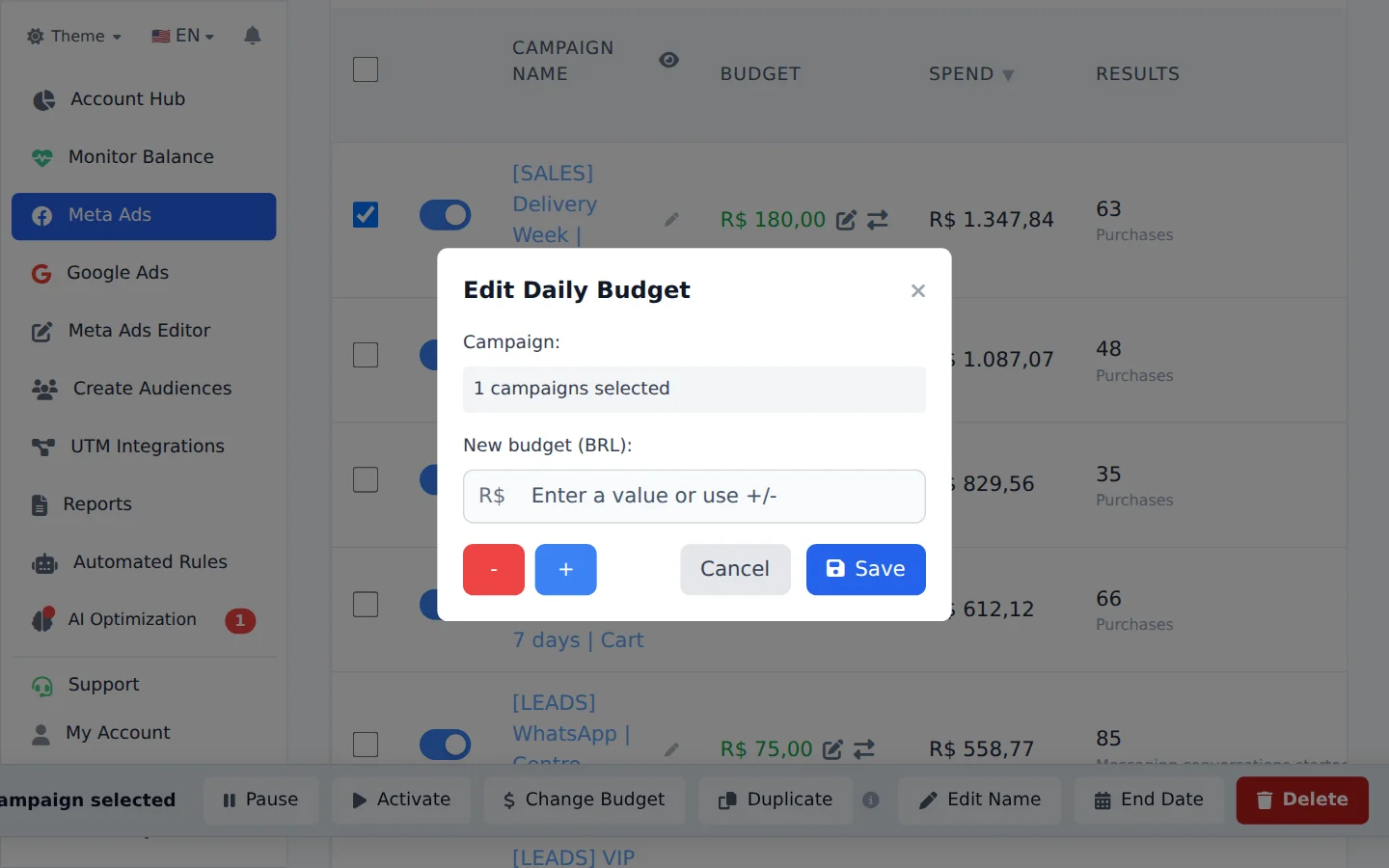
Open Change Budget
Check the campaign, click Bulk Edit and Change Budget.
- 2
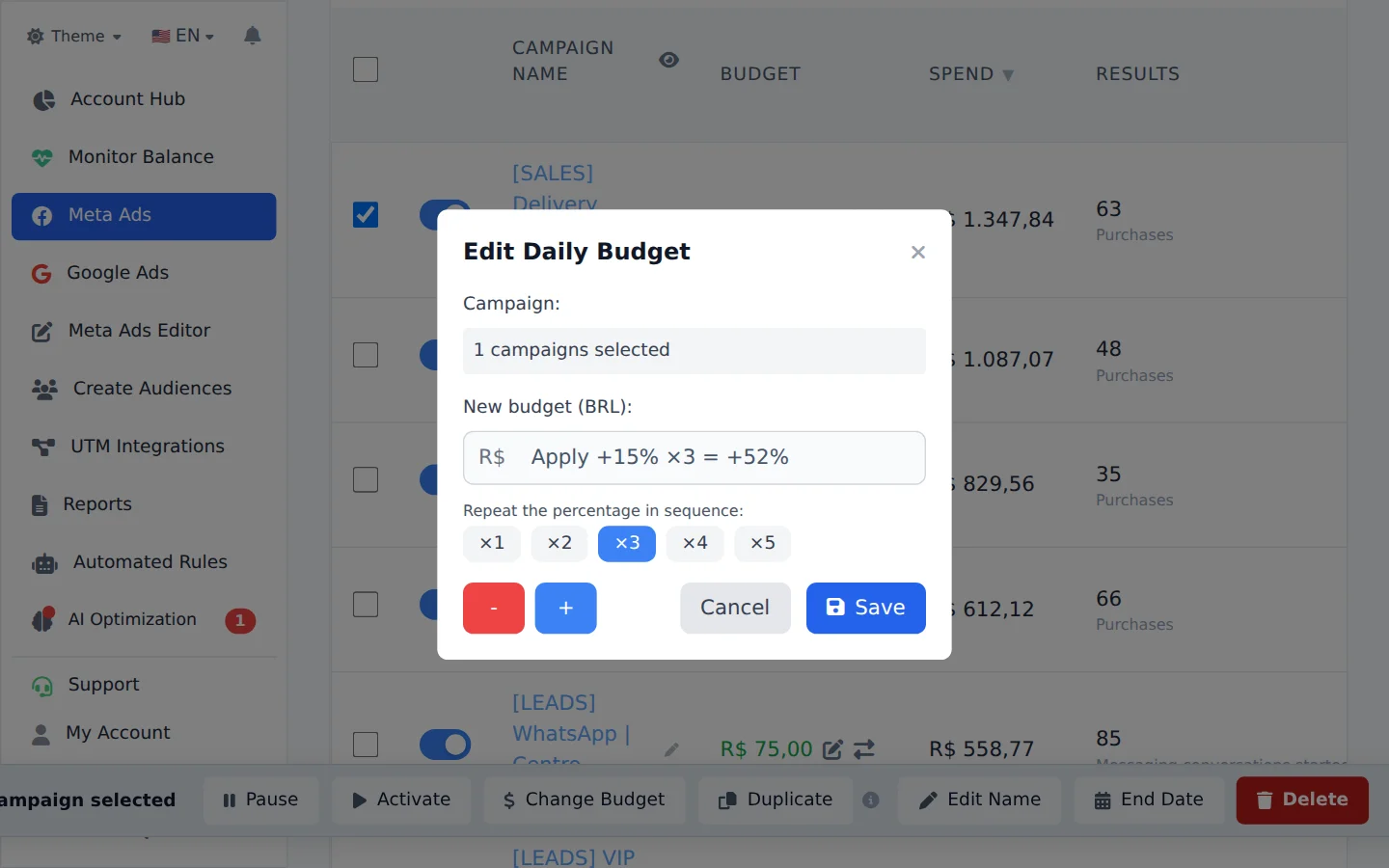
Pick the percentage and repetitions
Use + and pick 15%. Under Repeat the percentage in sequence, pick ×3. The total of the three steps shows before saving.
- 3
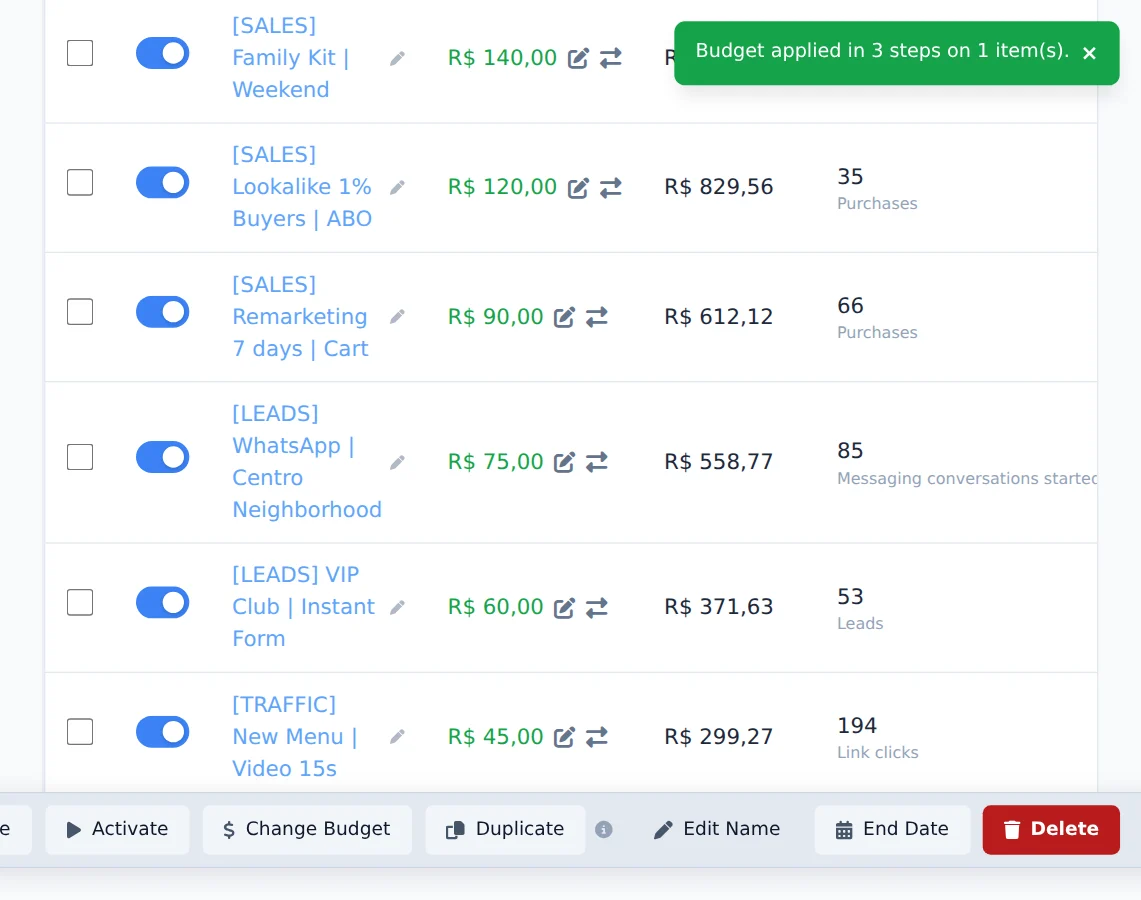
Save and follow along
Click Save. Each step goes out 30 seconds apart, and the progress shows in the window. At the end, a notice confirms the steps that were applied.
Why raise in steps
Raising little by little on the same day keeps Meta from treating the change as one big budget jump, which tends to unsettle delivery.
How to tell it worked
- The notice at the end says how many steps were applied.
- The Budget column shows the final amount on the campaign.
If something goes wrong
| Symptom | Likely cause | What to do |
|---|---|---|
| The amount went to the ad set, not the campaign | The CBO campaign was already at the Meta budget cap | This is how Meta works: it accepts the change through the ad set |
| A step failed | Meta refused the amount at that step | The earlier steps stay in place; read the reason in the notice and adjust by hand |
Frequently asked questions
Why did the budget move to the ad set when I increased a CBO campaign at its cap?
When the engine (or a manual increase) asks for more budget on a CBO campaign that has already reached the campaign budget cap, the new amount is written to the ad set, not the campaign: Meta limits the campaign budget and accepts the adjustment at the ad set level.
The CBO history also records the value Meta actually wrote, not the value requested: what you see in the history is what is in effect.