
Meta Ads
End date
Schedule when campaigns and ad sets stop running, several at once and even while they are active.
Quick answer
In Meta Ads, check the campaigns, click Bulk Edit and End Date (for ad sets, the option is under Edit Ad Set). Pick the Date and Time and click Save. To remove the date, check No end date (keeps running).
Watch the walkthrough 0:22
Before you start
- The time is in the ad account time zone, and the change works while the item is running.
- With a single item checked, the window shows its current end date.
- A campaign or ad set with a lifetime budget needs a date: in that case Meta does not let you remove it.
Step by step
In this example, we schedule the end of two promotion campaigns 30 days from now.
- 1
Open End Date
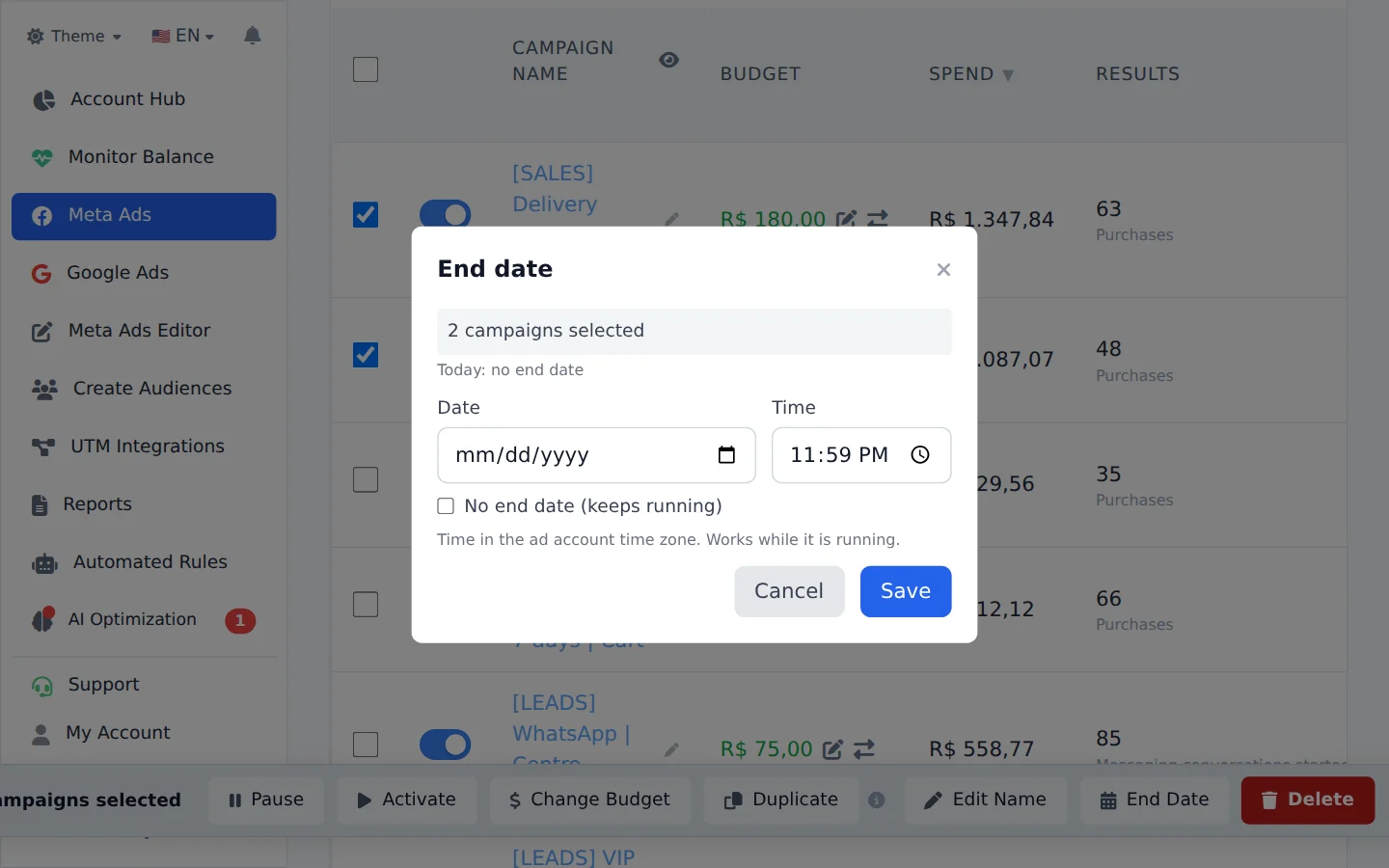
Check the campaigns and click Bulk Edit. Click End Date, next to Edit Name. For ad sets, it is under Edit Ad Set.
- 2
Pick the date and time
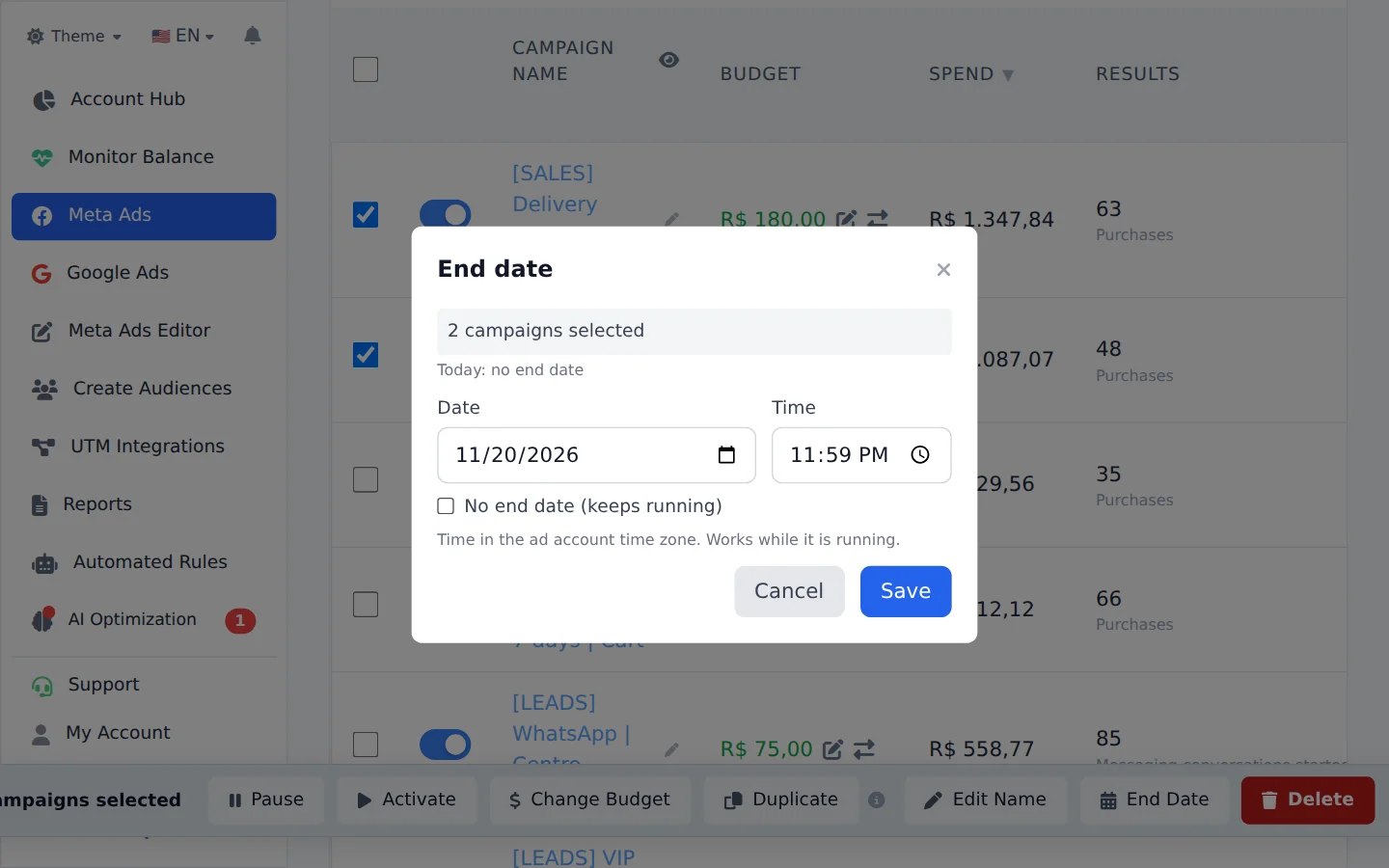
Pick the Date and Time. To remove the end date, check No end date (keeps running). Click Save.
Pause on a date, without an end
To pause or activate on a date and time without touching the Meta end date, create a rule in Automated Rules with the Specific Date schedule.
How to tell it worked
- The notice confirms on how many items the date was saved.
- When you open End Date with one item checked, the window shows the new date.
If something goes wrong
| Symptom | Likely cause | What to do |
|---|---|---|
| Meta did not accept the end date | The date is in the past or before the start | Pick a future date after the start |
| I cannot remove the date | The item has a lifetime budget | Switch to a daily budget first, or keep a date |
Frequently asked questions
How do I set or change the end date of an active ad set or campaign?
You can do this directly in Ads Editor, even while the ad set or campaign is active.
On screen: in Meta Ads, select the campaigns (or ad sets) you want to change. In the bulk edit bar that appears at the bottom, click End Date (for campaigns, the button is next to Edit Name; for ad sets, it's inside the Edit Set menu). Choose the Date and Time and click Save. The time uses the ad account's time zone. You can change one item or several at once. If only one is selected, the window shows its current end date.
To remove the end date, open the same option and select No end date (continues running). An ad set or campaign with a lifetime budget must have an end date, so Meta doesn't allow removing it in that case.
You can also do it through AI Copilot or MCP: ask, for example, "end ad set X on the 7th" or "remove the end date from campaign Y". If your ChatGPT or Claude doesn't show this function, start a new conversation: the MCP function list is loaded at the start of each conversation.