
Troubleshooting
Meta got disconnected
A Meta not connected notice, an expired token or a report that does not open: reconnect the Facebook profile in a minute, without losing anything.
Quick answer
Open Connect Meta and connect the profile again with the connect button, accepting every permission in the Facebook window. Active accounts, reports and rules stay as they were.
Why it happens
- You changed your Facebook password, or Meta ended the session for security.
- Someone removed the Ads Editor app access in the Facebook settings.
- The profile lost permission in the Business Manager that holds the account.
Step by step
The path is the same as the first connection.
- 1
Connect the profile again
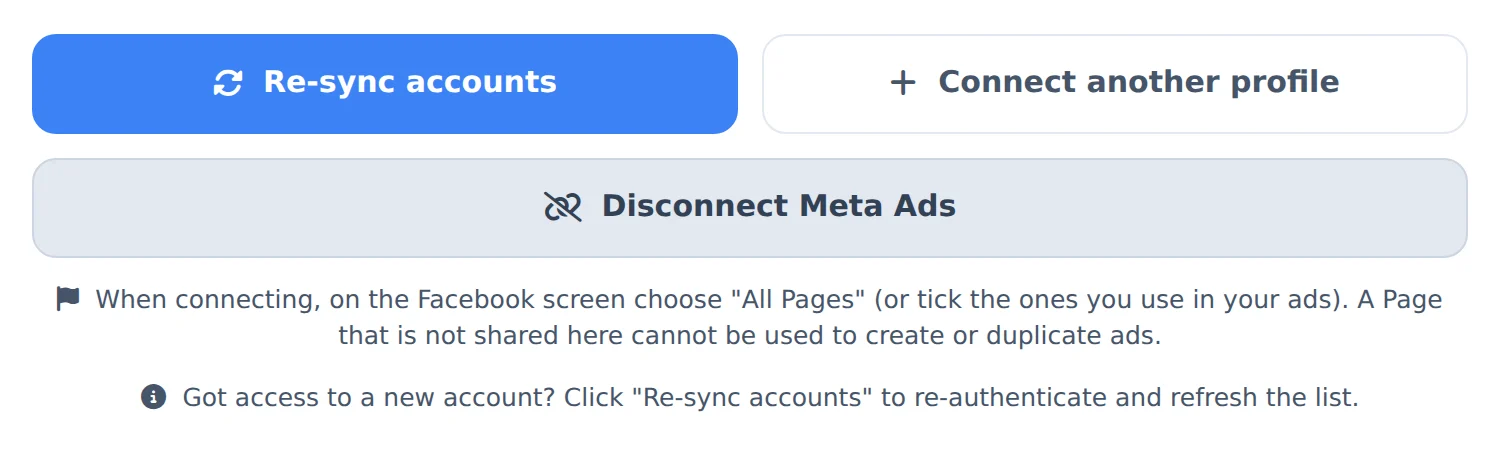
In the side menu, click Connect Meta and the connect button. Log in with the same Facebook login, choose All Pages and accept every permission. Use the same profile as before: that way it replaces the connection that dropped.
 12
12- 1Connect profile
- 2All Pages
- 2
Check the active accounts
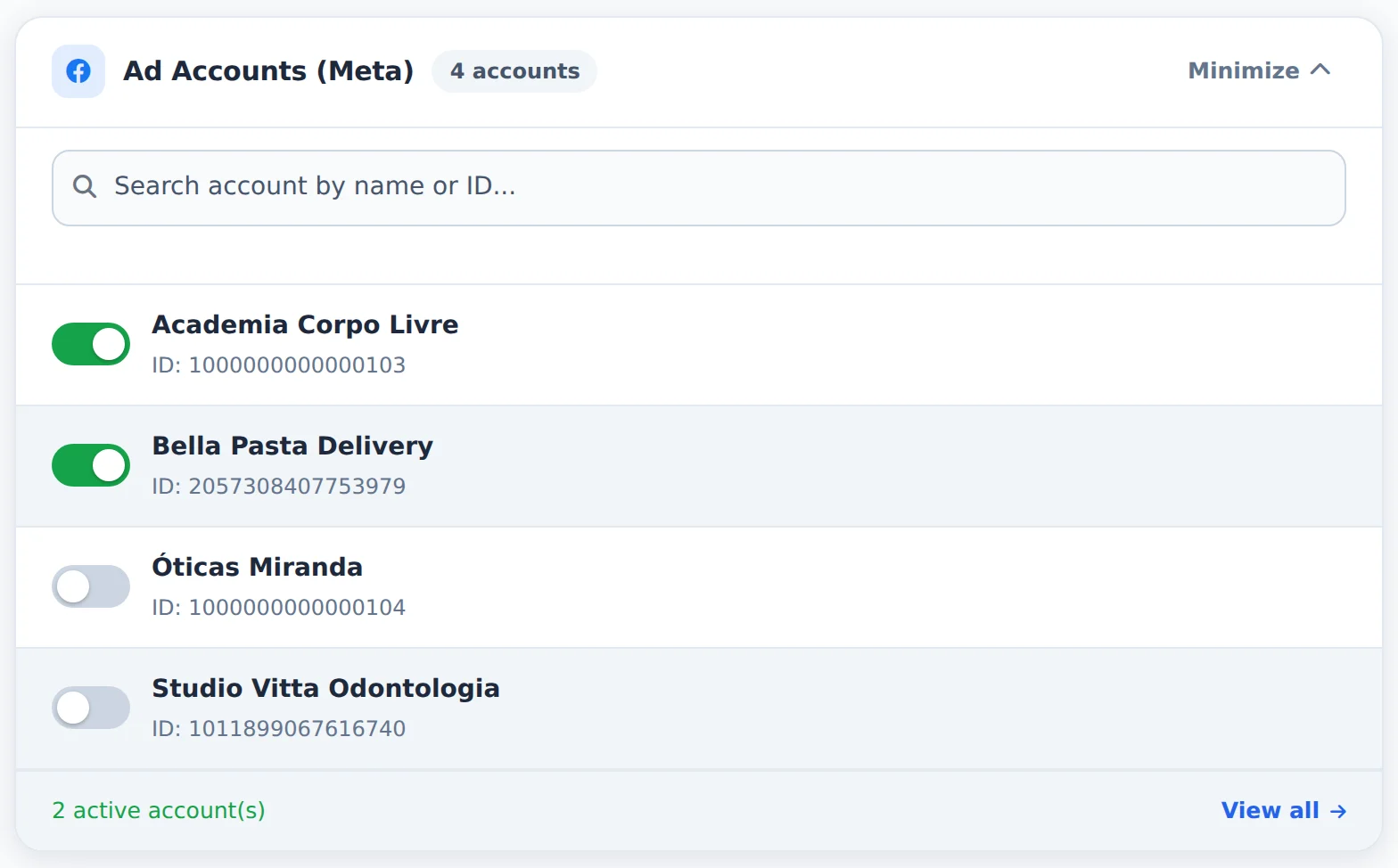
Under Ad Accounts (Meta), check that the accounts are still on. If one is missing, click Re-sync accounts.
 123
123- 1Search account
- 2Ad accounts
- 3Active accounts
- 3
Repeat what failed
Go back to the screen where the error showed up and repeat the action. A public report starts loading again on its own: whoever created the report is the one who needs to reconnect.
A team member sees the error
Members use the owner connection. The account owner (or an Admin with the Connect Meta page allowed) is the one who reconnects.
How to tell it worked
- The Connected label shows at the top of Connect Meta.
- The Account Hub and Meta Ads show the numbers again.
If something goes wrong
| Symptom | Likely cause | What to do |
|---|---|---|
| The Facebook window does not open | The browser blocked the popup | Allow popups for Ads Editor in the browser and click again |
| Connected, but one account still errors | The profile lost access to it in Business Manager | Ask the business owner for access again and click Re-sync accounts |
Frequently asked questions
Error: Invalid or expired Meta token (code 190)
The Meta connection has expired or been invalidated (password change, app revoked, old session). Ads Editor can no longer act on Meta on behalf of the account.
How to fix it:
- In the side menu, open the Connect Meta page.
- Click the green Reconnect/Refresh button, sign in to Facebook, and accept all permissions.
- Go back and repeat the action that failed.
In public reports, the report owner must reconnect. After that, the link loads again on its own, without recreating anything.
The Account Center shows a Meta account not connected error. What should I do?
This warning means Ads Editor didn't find a valid Meta connection in your session. Open the Connect Meta page from the menu, sign in with Facebook again, and authorize the requested permissions. Then go back to the Account Center and click Refresh. If the Account Center loads but some accounts show a dash in the metrics and a gray dot in the status, the problem is access to those accounts: the connected Facebook profile no longer has permission for them in Business Manager. In that case, check access in Meta or connect the profile that manages those accounts.
The report opened but says the Meta account isn't connected by its creator. How do I fix it?
Visitors see this message when the report owner's Meta connection token has expired or been invalidated, for example after the owner changed their Facebook password or reviewed their integrations. To fix it, the owner must sign in to Ads Editor and reconnect the Meta account (sign in with Facebook again on the platform). Once the connection is restored, the same report link loads the data again. There is no need to recreate anything. If the report also includes Google Ads, that part keeps working normally while the Meta connection is pending.
Error: Meta token expired on a public report
The public report can't load Meta data because the token of the person responsible for the report (the account owner) has expired. Viewers can't fix this. Only the owner can.
How to fix it: the report owner must reconnect their Meta account. After reconnecting, the report loads again on its own. If someone else sent you the link, ask them to reconnect the account.
Error connecting an account (OAuth)
For errors when connecting with Facebook/Google login (OAuth):
- Reconnect in Connect Meta or Connect Google, making sure you grant all the access requested on the permissions screen.
- Make sure you're signed in to the right Facebook/Google account in your browser.
- Clear your browser cache or try an incognito window.
- Try connecting again.
If the error persists, note the message that appears and send it to support.